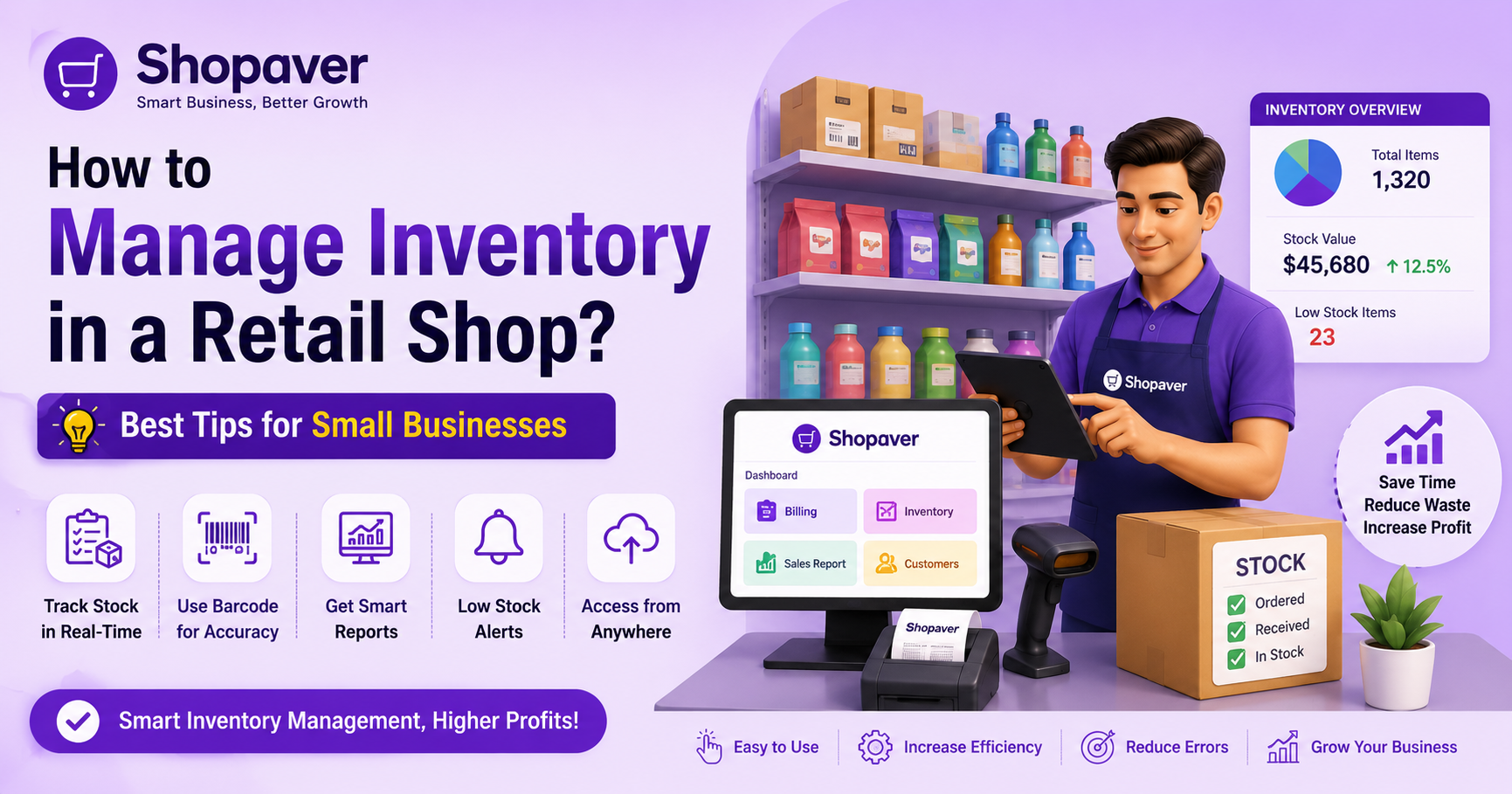
How to Manage Stock in a Retail Shop?
How to manage inventory in a retail shop is one of the most important parts of running a successful business. If your stock is not managed properly, it can directly affect your profit, customer satisfaction, and daily operations.
Many small shop owners still use manual methods like notebooks or Excel sheets, but these methods make it difficult to understand how to manage inventory properly and often lead to mistakes and confusion.
If stock is not handled properly, you may face problems like:
- Overstocking (too much inventory that blocks your money)
- Stock shortage (products going out of stock)
- Expired or damaged products
- Wrong stock counting
- Loss of sales and unhappy customers
That’s why modern retailers are now shifting to inventory management software and POS systems to manage their stock easily and efficiently.
The best way to manage stock in a retail shop is by using POS billing software, barcode systems, and inventory tracking tools. These help you track stock in real-time, reduce errors, and avoid overstocking or shortages.
What is Retail Stock Management?
Retail stock management means understanding how to manage inventory by keeping track of all the products in your shop and making sure the right quantity is always available.
It includes:
- Purchasing products from suppliers
- Storing products safely
- Tracking daily sales
- Updating stock levels
- Managing returns and damaged items
Good inventory management helps you run your shop smoothly without any interruptions.
Why Stock Management is Important for Small Shops
Many small business owners ignore how to manage inventory properly, but it plays a key role in business growth.
Here’s why it is important:
- Avoid Losses
If you don’t track your stock, products may expire or get damaged, leading to losses.
- Better Customer Satisfaction
When customers always find the products they need, they are more likely to return.
- Improve Cash Flow
Proper stock control ensures that your money is not stuck in unnecessary inventory.
- Better Decision Making
With accurate stock data, you can make smarter purchasing decisions.
How to Manage Inventory in a Small Shop: Best Ways to Control Your Stock
1. Maintain an Inventory Record
The first step is to maintain a proper record of all your products.
You should track:
- Product name
- Quantity
- Purchase date
- Supplier details
- Selling price
- Remaining stock
Even if you run a small shop, keeping records is very important.
This helps you understand how to manage inventory effectively, including how much stock you have and when to reorder.
2. Use a Barcode System
A barcode system makes stock management faster and more accurate.
Instead of entering product details manually, you can scan items using a barcode scanner.
Benefits of Barcode System:
- Faster billing process
- Accurate stock updates
- Reduces human errors
- Easy product search
- Real-time stock tracking
Barcode systems are widely used in grocery stores, supermarkets, and retail outlets.
3. Use POS Billing Software (Recommended)
Manual systems take more time and often cause mistakes, which makes it hard to understand how to manage inventory properly.
Benefits of POS Software:
- Real-time inventory tracking
- Automatic stock updates after every sale
- Sales reports and analytics
- GST billing support
- Low stock alerts
You can use Shopaver POS Billing Software to understand how to manage inventory easily while handling billing and stock in one place.
It saves time, reduces mistakes, and improves business efficiency.
4. Identify Fast & Slow Moving Products
Every retail shop has products that sell quickly and some that sell slowly.
You should:
- Keep fast-selling products always in stock
- Reduce or avoid slow-moving products
- Track seasonal demand
For example, cold drinks sell more in summer, while heaters sell more in winter.
This helps you avoid unnecessary stock and save money.
5. Follow FIFO Method
FIFO means First In, First Out.
This means:
- Sell older stock first
- Use new stock later
This method is especially useful for:
- Grocery shops
- Medical stores
- Food businesses
It helps prevent expiry losses and keeps stock fresh.
6. Set Reorder Levels
Reorder level means the minimum quantity of a product at which you should reorder stock.
For example:
If a product reaches 10 units, you should reorder it before it goes out of stock.
POS software can automatically notify you when stock is low.
7. Use Cloud-Based Inventory System
Cloud-based systems allow you to manage your stock from anywhere.
Benefits:
- Access data from mobile or laptop
- Real-time updates
- Secure data storage
- Multi-store management
This is very useful for business owners who manage multiple shops.
Common Inventory Management Mistakes
Overstocking
Buying too much stock blocks your money and increases storage costs.
Stock Shortage
Running out of stock leads to lost sales and unhappy customers.
Manual Errors
Manual entry often leads to incorrect data and confusion.
Ignoring Expiry Dates
Expired products directly reduce your profit.
Not Tracking Sales Data
Without proper sales data, it becomes difficult to understand how to manage inventory effectively and make smart business decisions.
Here are some practical tips you can follow:
- Check stock daily
- Analyze weekly sales reports
- Keep your storage organized
- Work with reliable suppliers
- Train your staff properly
- Use digital tools instead of manual methods
These small steps can make a big difference in your business.
Start using Shopaver
and take your retail business to the next level.
FAQs
Q1. How to manage stock in a retail shop?
Ans- You can manage stock by using POS software, barcode systems, and inventory tracking tools. These help in real-time stock monitoring and reduce errors.
Q2. What is the best inventory system for small businesses?
Ans- A POS-based inventory system is the best option because it manages both billing and stock together.
Q3. What does inventory management software do?
Ans- It tracks stock, monitors sales, and automatically updates inventory levels.
Q4. Is a barcode system useful for retail shops?
Ans- Yes, it makes billing faster, reduces manual errors, and improves stock tracking.
Q5. Can I manage inventory without software?
Ans- Yes, but manual methods are slow and error-prone. Using software is more efficient and accurate.

Narendra Kumar is a skilled content writer crafting engaging and insightful content.