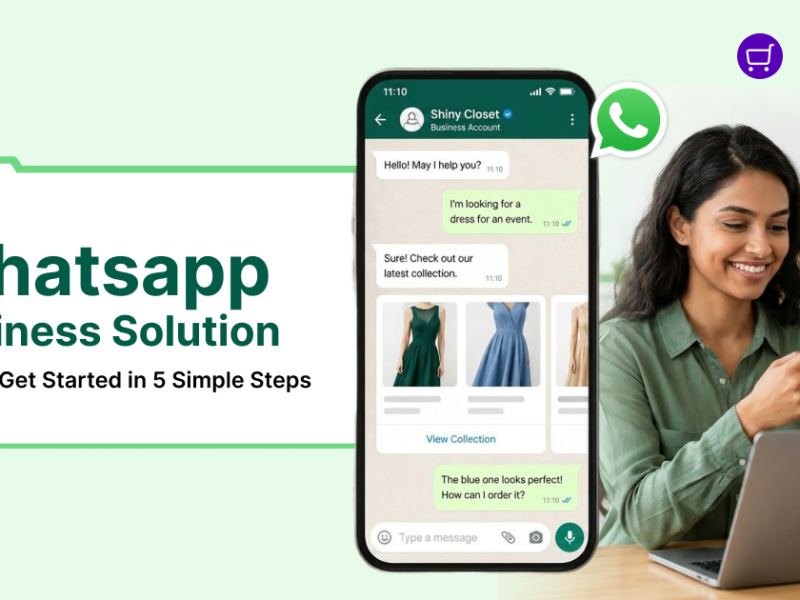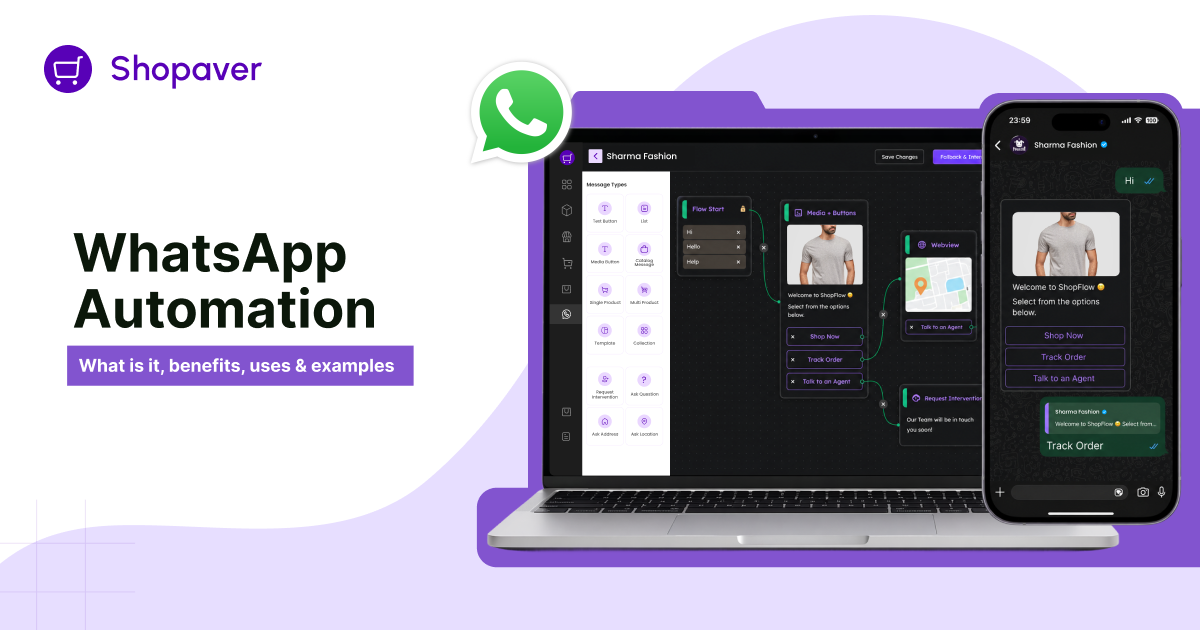
Today, customers want quick replies and smooth communication from businesses. If a business responds late, customers may lose interest and choose another brand. This is why WhatsApp Automation is becoming very popular.
WhatsApp is no longer just a chatting app. Businesses now use it to talk with customers, answer questions, send order updates, share offers, and provide support. With automation, many of these tasks can happen automatically without manual effort.
Using WhatsApp Business automation, businesses can save time, reply faster, improve customer experience, and manage conversations more easily. From startups and small businesses to online stores and large companies, many brands are using WhatsApp automation to grow and stay connected with customers.
In this guide, you’ll learn what WhatsApp Automation is, how it works, its benefits, common use cases, and how businesses can start using it effectively.
What Is WhatsApp Automation?
WhatsApp Automation refers to using software, workflows, chatbots, and APIs to automate customer communication on WhatsApp. Instead of manually responding to every message, businesses can send instant replies, automated notifications, reminders, and personalized updates automatically.
Businesses can automate WhatsApp messages for:
- Customer support
- Order updates
- Lead qualification
- Appointment booking
- Marketing campaigns
- Payment reminders
- Customer engagement
- Sales follow-ups
Automation can range from simple WhatsApp auto reply to messages to advanced AI-powered chatbot automation using the WhatsApp Business API.
The goal is simple: improve communication while reducing manual effort.
How WhatsApp Automation Works
WhatsApp automation works through a combination of messaging tools, workflows, APIs, and chatbot systems.
1. WhatsApp Business App
The WhatsApp Business App offers basic automation features for small businesses, including:
- WhatsApp welcome messages
- WhatsApp away messages
- Quick replies
- Automated WhatsApp replies
This is suitable for small teams handling limited customer conversations.
2. WhatsApp Business API
The WhatsApp Business API enables advanced automation for growing businesses and enterprises. It allows brands to:
- Send bulk notifications
- Run WhatsApp API campaigns
- Integrate CRMs
- Automate customer workflows
- Enable multi-agent support
- Build chatbot automation
This is the foundation for scalable WhatsApp API automation.
3. WhatsApp Chatbots
A WhatsApp chatbot automatically interacts with customers using predefined workflows or AI-powered conversations.
Businesses use chatbots for:
- FAQs
- Lead qualification
- Product recommendations
- Customer support automation
- Appointment scheduling
Modern WhatsApp AI chatbot systems can even understand customer intent and provide personalized responses.
4. CRM Integrations & Workflows
Businesses can connect WhatsApp with CRM integrations, eCommerce platforms, payment systems, and automation software.
This enables:
- Automated workflows
- Personalized messaging
- WhatsApp lead nurturing
- Sales funnel automation
- Customer retention campaigns
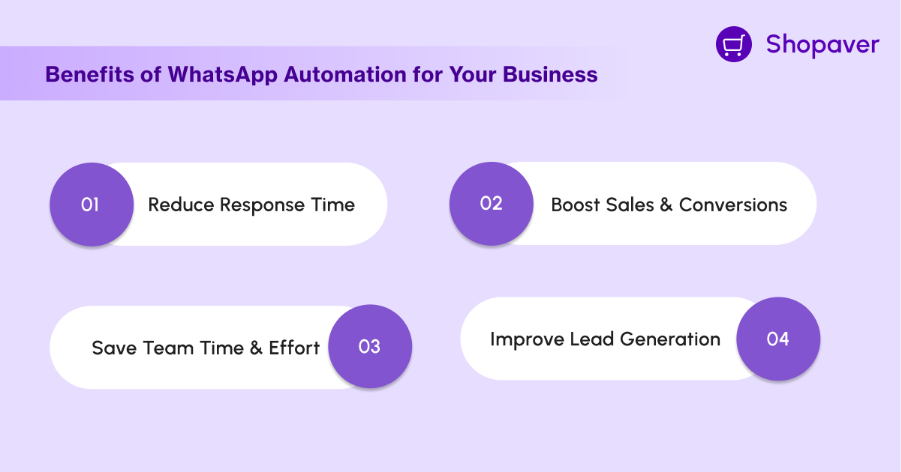
Key Benefits of WhatsApp Automation for your Business
Faster Customer Responses
WhatsApp Automation helps businesses reply instantly to customer messages. Quick responses improve customer satisfaction and reduce the chances of losing leads.
24/7 Customer Support
With automated replies and chatbots, businesses can support customers anytime, even outside working hours.
Saves Time and Manual Effort
Automation handles repetitive tasks like answering FAQs, sending reminders, and sharing updates, allowing teams to focus on important work.
Better Customer Engagement
Personalized and timely messages help businesses stay connected with customers and improve engagement.
Improved Lead Generation
Businesses can automatically follow up with leads, share information, and guide customers through the sales journey.
Increased Sales and Conversions
Features like abandoned cart reminders, promotional campaigns, and automated follow-ups help boost conversions and sales.
Personalized Communication
Businesses can send customized messages based on customer interests, behavior, or previous interactions.
Easy Order Updates and Notifications
Customers can automatically receive order confirmations, delivery updates, payment reminders, and appointment notifications.
Better Customer Retention
Regular communication and faster support help businesses build stronger relationships and improve customer loyalty.
Scalable Business Communication
WhatsApp Automation allows businesses to manage thousands of customer conversations efficiently as the business grows.
Top WhatsApp Automation Use Cases
Businesses across industries use WhatsApp automation for business in multiple ways.
Automated Welcome Messages
Businesses can instantly greet customers with WhatsApp welcome message automation when someone starts a conversation.
WhatsApp Auto Reply
Using WhatsApp auto reply, businesses can instantly acknowledge customer queries and provide helpful information.
Customer Support Automation
A WhatsApp chatbot for businesses can handle FAQs, track tickets, and resolve common customer issues.
Order Updates & Notifications
eCommerce brands use WhatsApp order updates and automated notifications to keep customers informed about purchases and deliveries.
Payment Reminders
Businesses can automate payment reminders on WhatsApp to improve collection efficiency.
Appointment Booking
Healthcare clinics, salons, and consultants use WhatsApp appointment booking automation to schedule appointments easily.
Abandoned Cart Recovery
One of the most effective use cases is WhatsApp abandoned cart recovery automation, where customers receive reminders about incomplete purchases.
Lead Qualification
Automation tools can ask qualifying questions and route leads to the right sales representatives.
WhatsApp Drip Campaigns
Businesses use WhatsApp drip campaigns to nurture leads over time with educational or promotional content.
Marketing & Broadcast Automation
With WhatsApp marketing automation and WhatsApp broadcast automation, businesses can send offers, product launches, and updates at scale.
WhatsApp Automation Examples
eCommerce Brand
An online fashion store uses WhatsApp campaign automation to send abandoned cart reminders, shipping updates, and discount offers.
Result:
- Higher conversion rates
- Better customer retention
- Improved engagement
Healthcare Clinic
A clinic automates appointment confirmations, reminders, and patient follow-ups using WhatsApp reminders automation.
Result:
- Reduced no-shows
- Faster communication
- Better patient experience
Educational Institute
An edtech company uses WhatsApp conversational marketing to nurture student inquiries and automate admission updates.
Result:
- Faster lead response
- Increased enrolments
- Better lead qualification
Restaurant Business
Restaurants automate table reservations, menu sharing, and order notifications through WhatsApp workflow automation.
Result:
- Better customer service
- Faster bookings
- Reduced staff workload
Fintech Company
A fintech platform uses WhatsApp notification automation for payment reminders, transaction alerts, and customer support.
Result:
- Improved trust
- Better engagement
- Faster issue resolution
Best WhatsApp Automation Tools
Several categories of tools support WhatsApp automation software and workflows.
CRM Integration Platforms
These tools connect WhatsApp with customer databases and sales pipelines.
Chatbot Platforms
Used for chatbot automation, AI-powered customer support, and conversational commerce.
WhatsApp Business API Providers
These platforms provide official API access for scalable messaging.
Marketing Automation Platforms
Businesses use these tools for broadcast automation, drip campaigns, and customer engagement strategies.
When choosing the best WhatsApp automation tools, consider:
- Ease of integration
- Automation capabilities
- CRM support
- Analytics
- AI chatbot features
- Scalability
How to Get Started with WhatsApp Automation
Step 1: Define Your Goals
Identify whether you want to improve sales, support, marketing, or engagement.
Step 2: Choose the Right Platform
Select a reliable WhatsApp automation platform based on your business needs.
Step 3: Get WhatsApp Business API Access
Growing businesses should use the WhatsApp Business API automation setup for scalability.
Step 4: Create Automated Workflows
Build workflows for:
- Customer support
- Lead generation automation
- Order updates
- Payment reminders
- Marketing campaigns
Step 5: Integrate CRM & Systems
Enable WhatsApp CRM integration for better customer data management and personalization.
Step 6: Monitor & Optimize
Track open rates, response times, engagement, and conversions regularly.
Best Practices for WhatsApp Automation
To maximize results, businesses should follow these best practices:
Personalize Messages
Avoid generic communication. Use customer names, preferences, and behavior data.
Avoid Spam
Send only relevant and permission-based messages.
Use Smart Segmentation
Segment audiences based on interests, purchase history, or engagement.
Maintain Human Support
Automation should complement—not replace—human interaction.
Follow WhatsApp Policies
Ensure compliance with WhatsApp Business API guidelines and customer consent requirements.
Optimize Timing
Send messages at appropriate times to improve engagement.
As customer expectations continue to rise, businesses need faster, smarter, and more personalized communication. WhatsApp Automation helps brands streamline conversations, improve customer support, automate workflows, and increase sales—all while reducing manual effort.
Whether you want to automate customer queries on WhatsApp, send automated notifications, recover abandoned carts, or run personalized marketing campaigns, WhatsApp automation offers endless possibilities for growth.
Businesses that adopt automation early can build stronger customer relationships, improve operational efficiency, and stay ahead in an increasingly competitive market.
FAQs
How to automate WhatsApp messages?
You can automate WhatsApp messages using the WhatsApp Business App for basic automation or the WhatsApp Business API for advanced workflows, chatbots, and CRM integrations.
What are the benefits of WhatsApp automation?
The major benefits of WhatsApp automation include faster responses, customer support automation, lead nurturing, reduced manual work, better engagement, and increased conversions.
Which businesses should use WhatsApp automation?
eCommerce brands, startups, healthcare providers, educational institutes, restaurants, sales teams, and customer support teams can all benefit from WhatsApp automation for business.
How to setup WhatsApp auto reply?
You can set up WhatsApp auto reply directly in the WhatsApp Business App using away messages, greeting messages, and quick replies.
What is the best WhatsApp automation tool?
The best tool depends on your business size and goals. Businesses should look for platforms offering chatbot automation, CRM integrations, analytics, and API support.

Narendra Kumar is a skilled content writer crafting engaging and insightful content.