POS Billing Software
Say goodbye to manual errors, long queues and inventory confusion. Our all-in-one POS billing software helps you create bills, speed up checkouts, manage stock in real time and run your business efficiently anytime, anywhere.

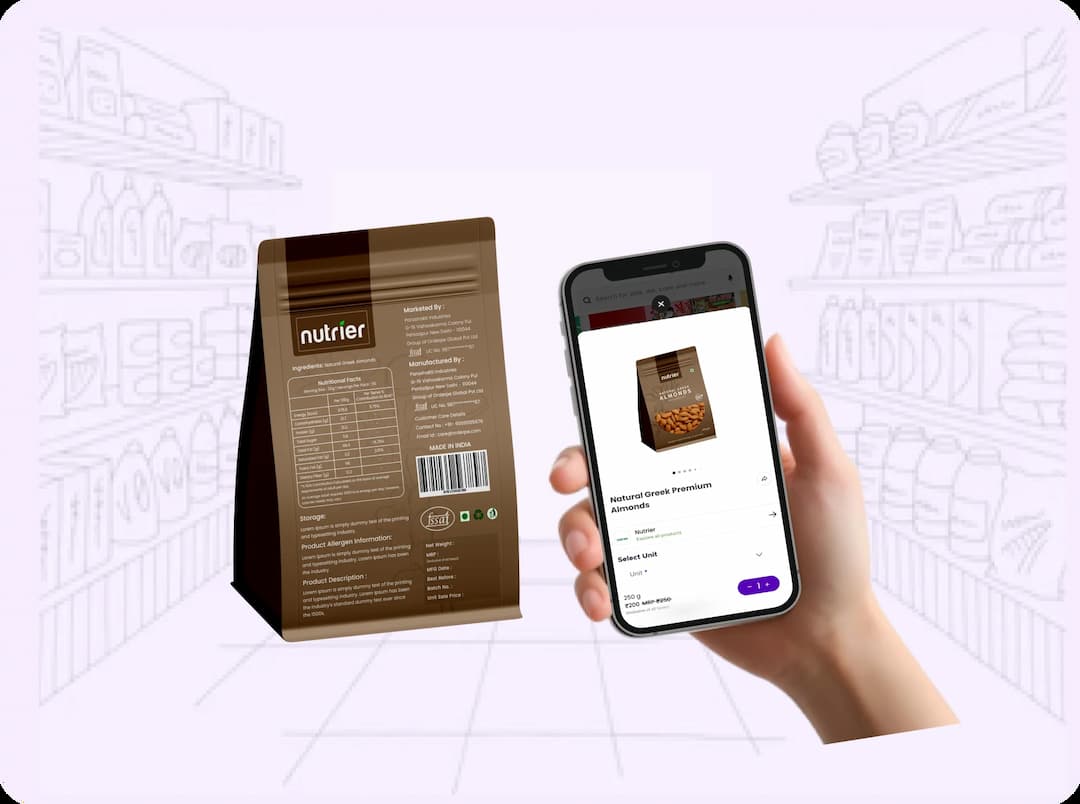
Speed up your POS billing with a barcode scanner. Simply scan each item, and the software instantly adds it to the invoice. Perfect for fast-paced retail businesses, this feature ensures quick, accurate pricing and error-free checkouts every time
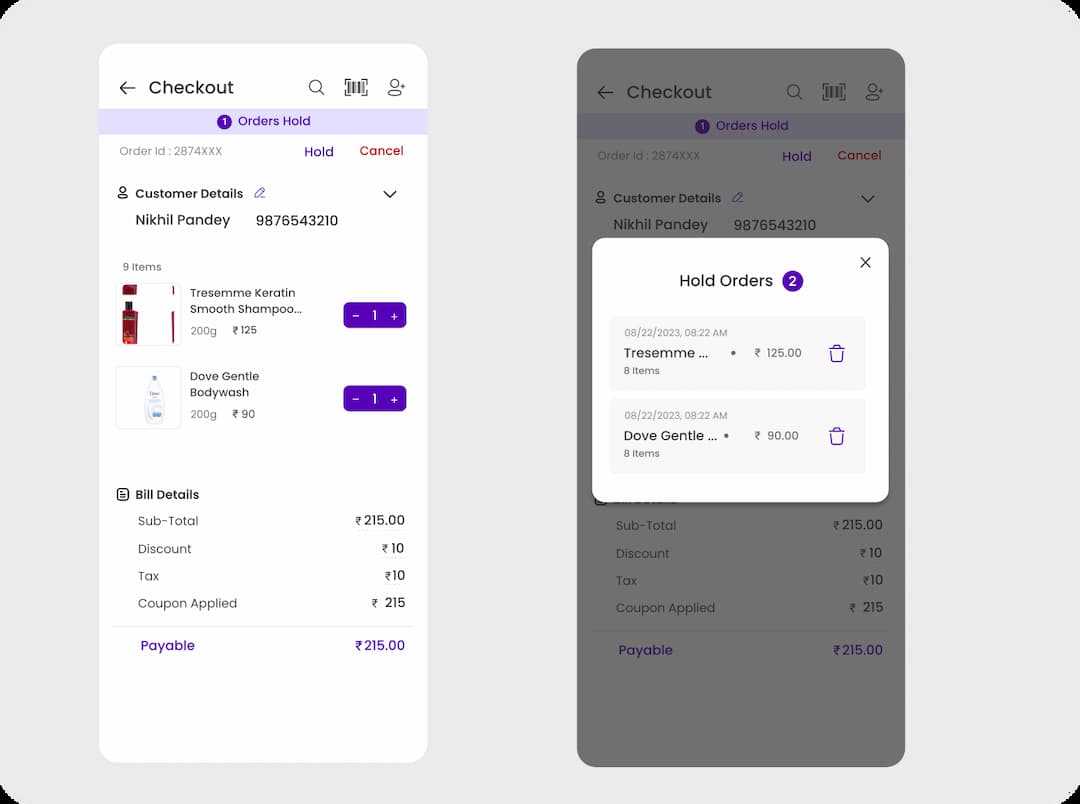
While billing multiple products, you can place a bill on hold to add more items later. Once the extra items are added, billing resumes from where it paused. At the same time, you can generate bills for other customers without affecting the checkout process.
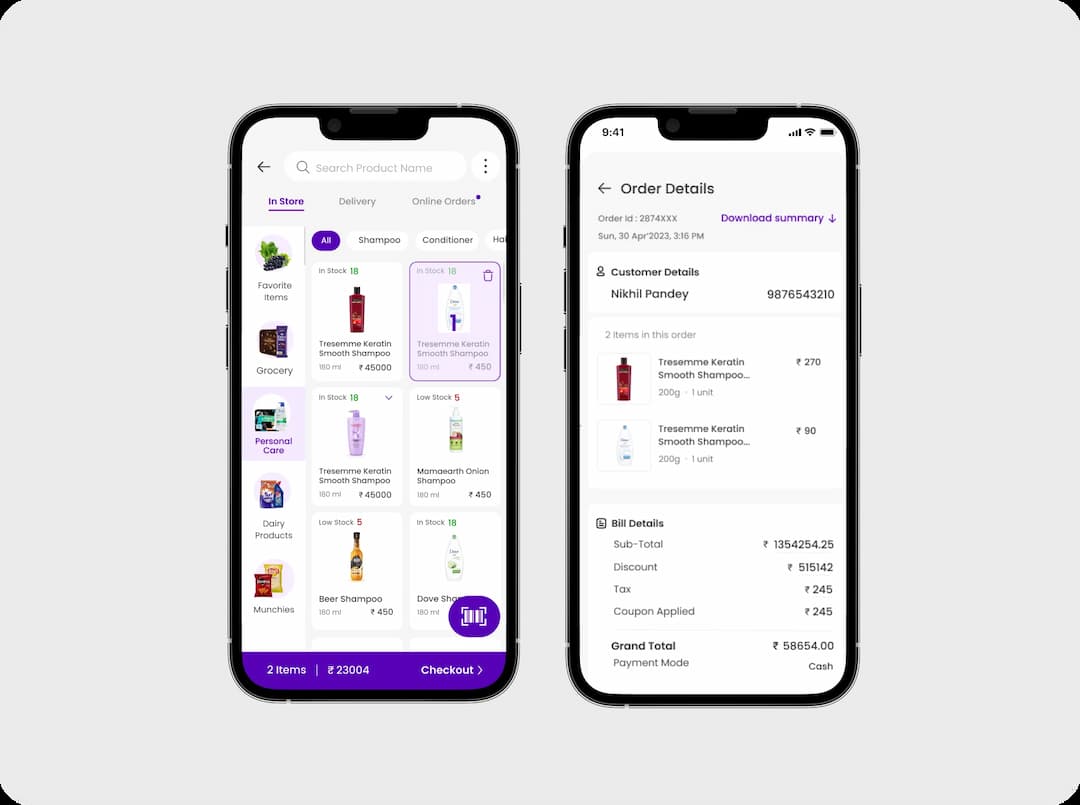
Checkout refers to a fast, smooth, and hassle-free billing and payment process at the point of sale (POS). It is designed to enable faster billing, speed up transactions, enhance customer experience, and reduce errors in modern retail stores.
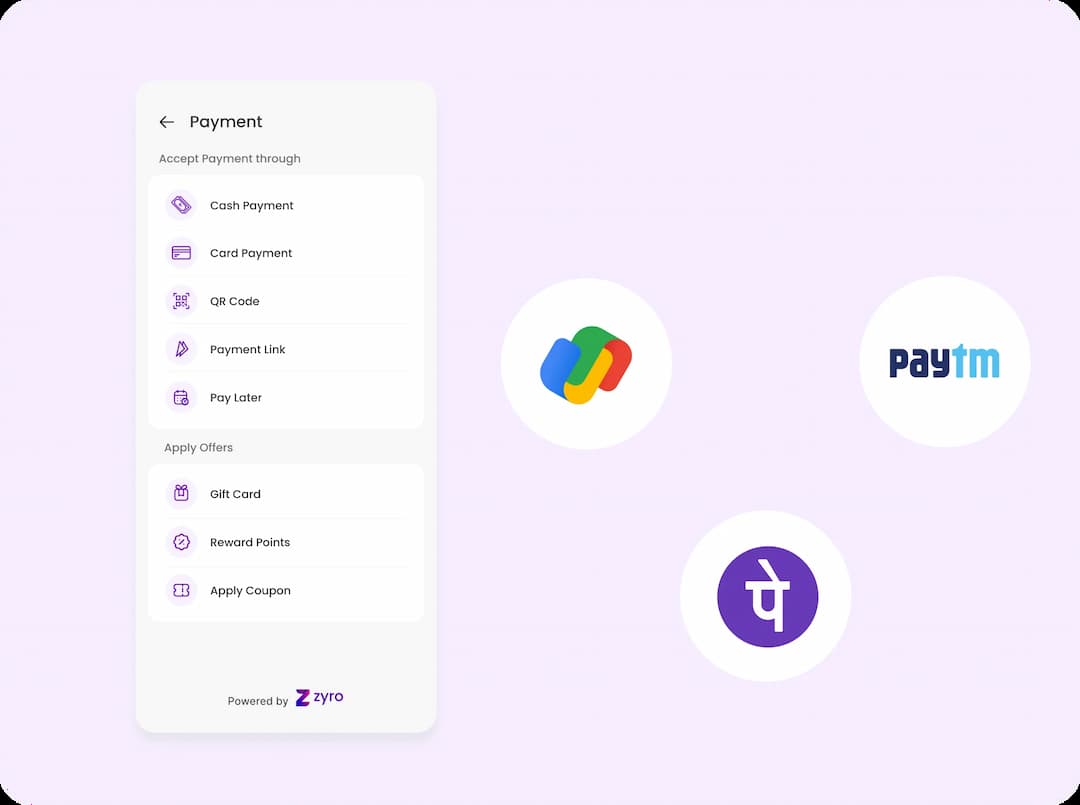
Accept online payments instantly by scanning the QR code on the invoice. You can also provide various payment options, including Cash, UPI, Cards, Wallets, Buy Now Pay Later (BNPL), Coupons, Reward Points, and more, offering flexibility to customers.
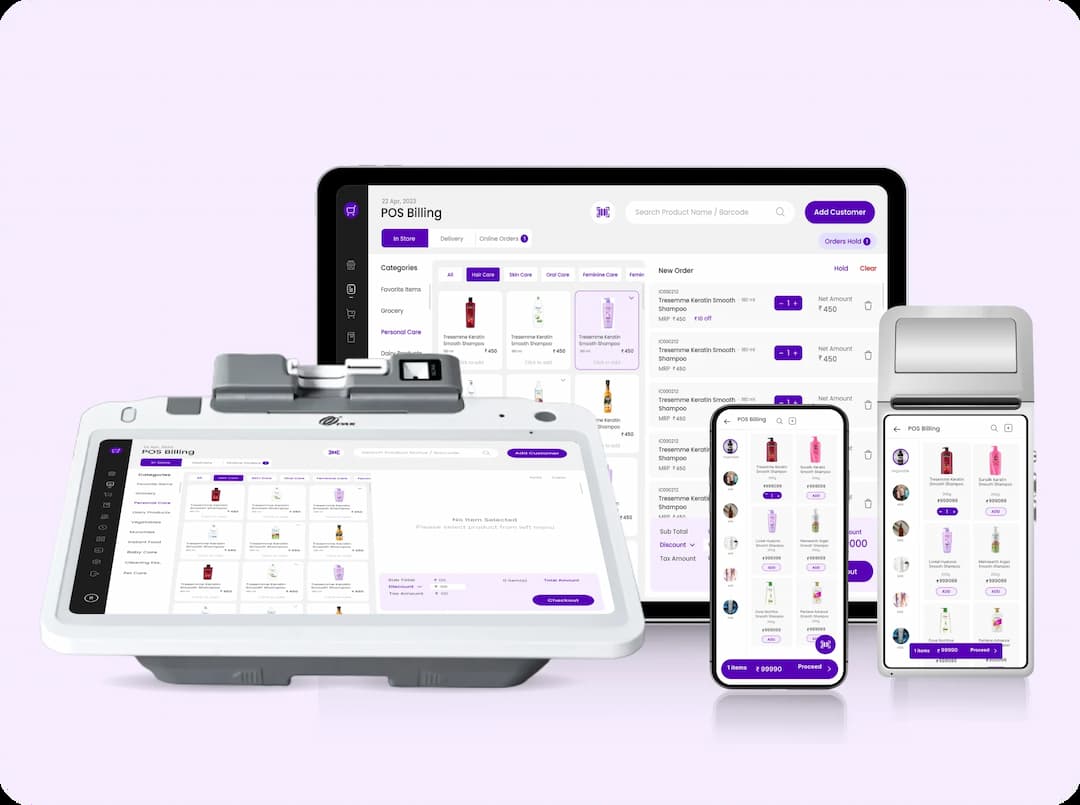
Create and manage your invoices from any device, anytime, anywhere. With cloud-based access, you can easily generate and track invoices on your phone, tablet, or computer, offering flexibility and convenience for businesses on the go, wherever you are.
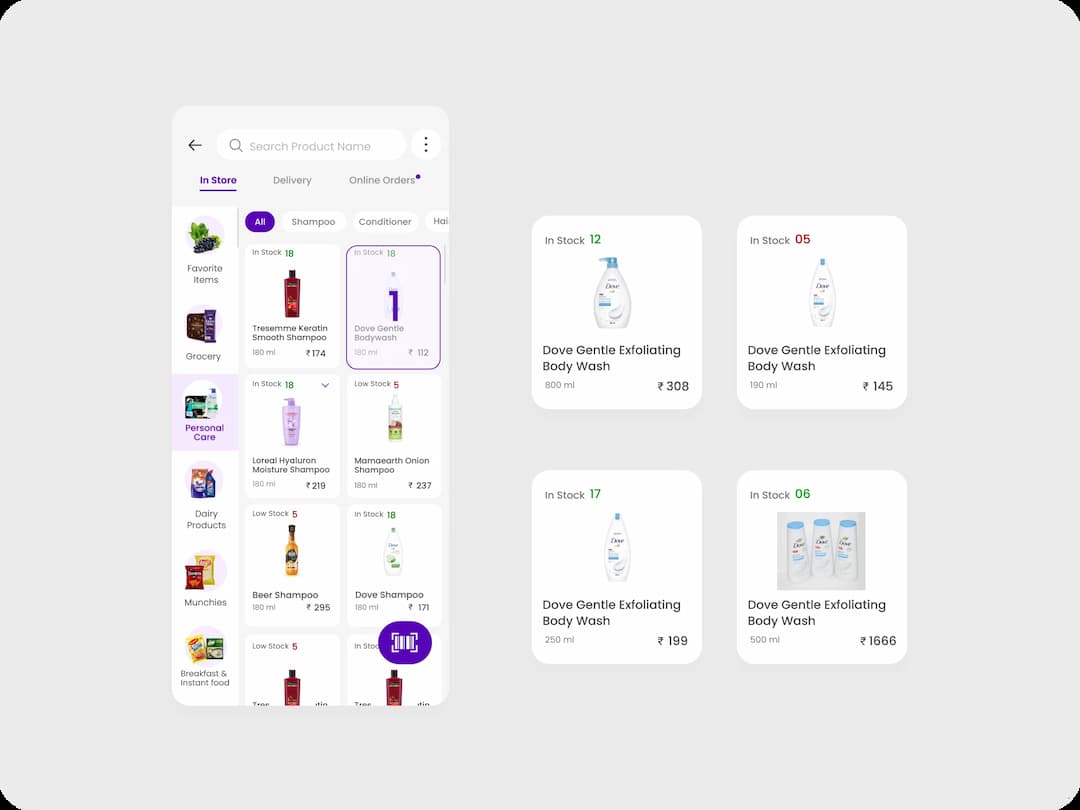
Shopaver refers to the ability to select various product options, such as size, color, or style, during the checkout process. This feature enables customers to personalize their purchases by choosing different variations of the same product.

Shopaver POS helps you save time with fast and accurate billing.
Provide Cloud Backup Data
Send Bills Through WhatsApp
Support For Multiple Printers
Perform Multiple Task In Short Time
Safe And Secure Data
Have any questions? We are here to assist you.
POS Billing Software is a digital tool used by businesses to manage the billing process at the Point of Sale (POS). It helps businesses generate invoices, track sales, accept multiple payment methods (cash, credit/debit cards, online payments), and print receipts for customers.
To use a POS billing system, start by setting up the hardware and installing the software. Add your products to the system, initiate transactions, accept payments, generate invoices, manage sales, and keep the system updated for efficient operations.
A Point-of-Sale system works by integrating hardware such as computers, barcode scanners, and printers with software that manages inventory, sales transactions, and payment processing. It enables businesses to track sales in real time, apply discounts, accept multiple payment methods, and generate detailed reports for business analysis and financial management.
Your bill can be placed on hold while adding additional products during a multi-item transaction in the POS billing process. You can continue billing for other customers simultaneously and resume the held bill from where it was paused.
A POS billing system operates easily across multiple devices, allowing instant barcode scanning and invoice generation from any platform. It supports multiple printers types and offers an efficient checkout process that requires minimal training for staff.

Shopaver is the all-in-one solution for businesses, from online presence to in-person sales, compliance, billing and inventory management—empowering retail & e-commerce operations.
Address
H-31, 5th Floor,
Sector - 63, Noida
Uttar Pradesh - 201301
Download the
Shopaver App

Easiest way to get all your groceries
Scan the QR code and download Shopaver App
Copyright © 2025 - Shopaver