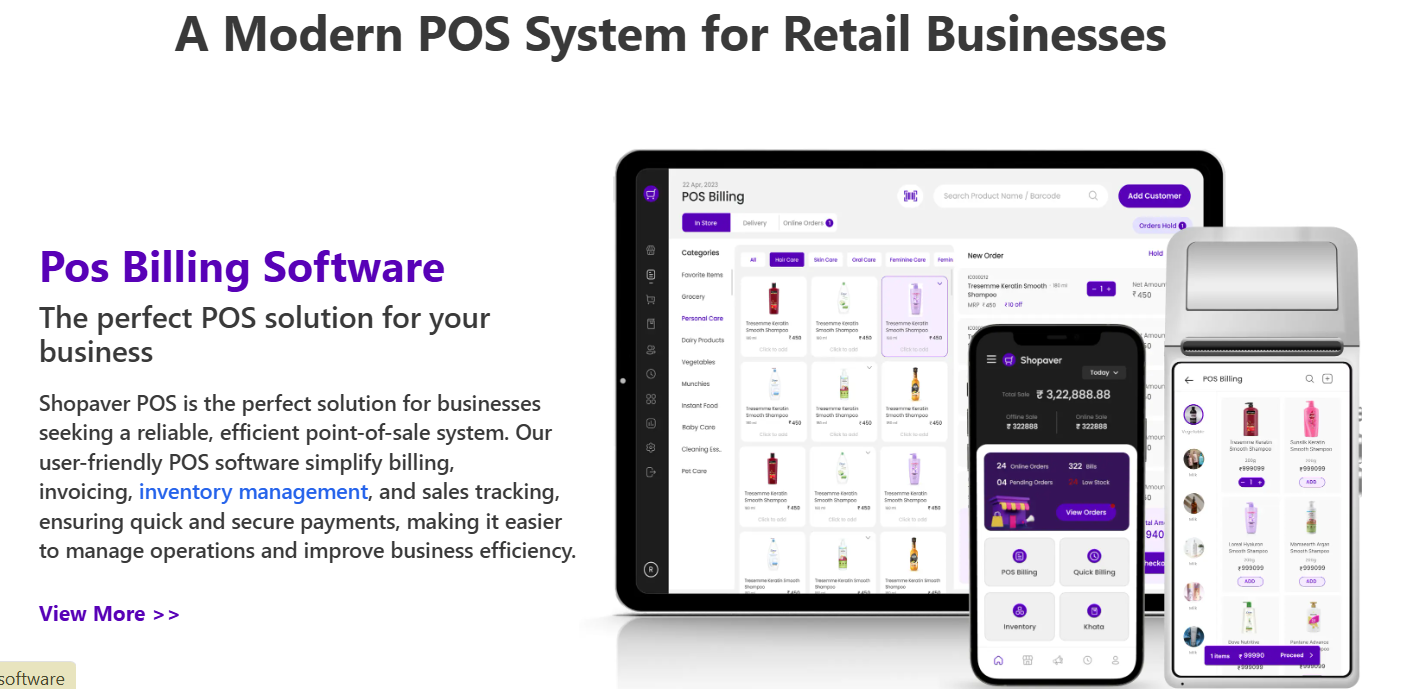
Running a retail shop, restaurant, or boutique without a proper POS system and billing system can create many problems—such as billing errors, inventory mismatches, and long customer queues at checkout.
What Is POS (Point Of Sale) System?
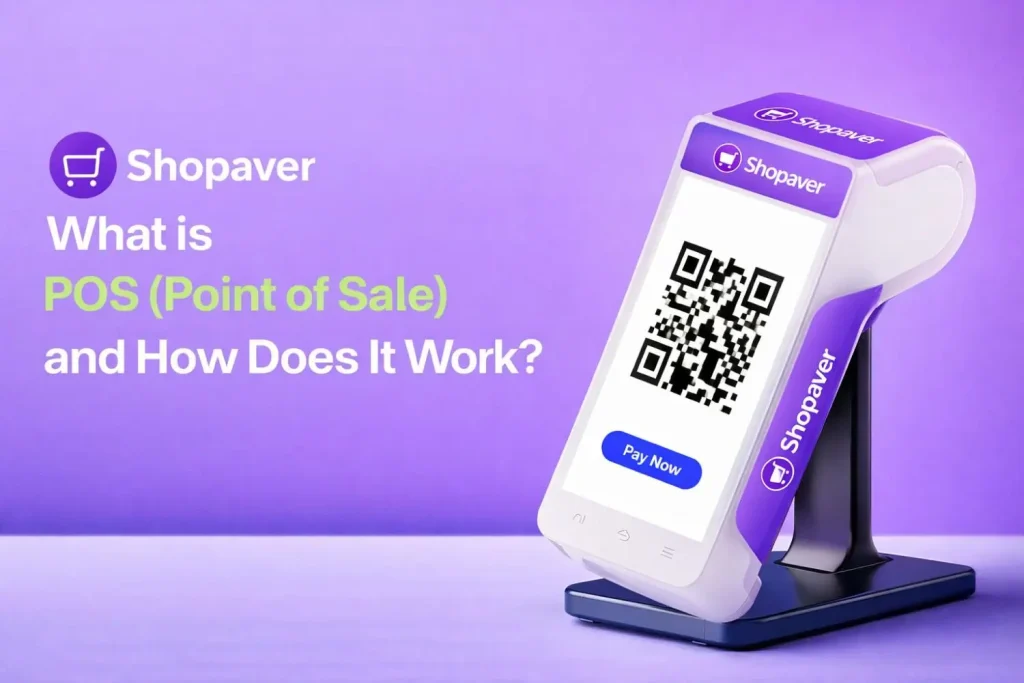
A POS (Point of Sale) System is a combination of hardware and software that allows businesses to complete sales transactions, generate bills, and track inventory.
In simple terms, POS is the place where a customer makes payment for products or services.
Modern POS Software do much more than billing. They also help with:
- Inventory management
- Sales tracking
- Customer management
- Payment processing
- Business analytics
For example, when a customer buys groceries from a kirana store, the shopkeeper scans the items using a POS machine and generates a bill instantly.
Example of POS System
Let’s understand a Point of sale system with a real-life example.
Imagine a customer enters a grocery store and buys:
Rice
Oil
Sugar
The shopkeeper scans each product using a barcode scanner connected to the Point of sale system.
The system automatically:
1️⃣ Calculates the total bill
2️⃣ Updates the inventory
3️⃣ Generates a digital receipt
4️⃣ Records the sale in reports
This entire process takes less than a few seconds.
Types of POS Billing Systems
Different businesses require different types of POS Software systems.
- Retail POS
Used in kirana stores, supermarkets, and retail shops for fast billing and inventory tracking.
- Restaurant POS
Designed for restaurants, cafes, and food outlets to manage orders, tables, and kitchen communication.
- Mobile POS
A portable POS that runs on smartphones or tablets, perfect for small businesses and pop-up stores.
- Cloud-Based POS
Data is stored in the cloud, allowing business owners to access reports from anywhere.
- Self-Service POS
Common in malls and large retail chains where customers can scan and pay themselves.
Specialized POS Solutions for Various Industries
Modern POS systems offer industry-specific features.
- Kirana Store POS
- Fast billing
- Inventory tracking
- GST billing
- Restaurant POS
- Table management
- Kitchen order tickets
- Menu management
- Salon & Spa POS
- Appointment booking
- Customer records
- Service billing
- Boutique POS
- Product variants
- Stock tracking
- Sales analytics
These specialized solutions help businesses operate smoothly and efficiently.
How Does the POS System Work?
The working of a POS system is quite simple.
Step 1: Product Selection
The cashier scans the product barcode or selects the item from the POS software.
Step 2: Price Calculation
The POS system automatically calculates the total price including taxes or discounts.
Step 3: Payment Processing
Customers can pay using:
- Cash
- UPI
- Debit/Credit card
- Digital wallets
Step 4: Receipt Generation
The POS system generates a printed or digital receipt.
Step 5: Inventory Update
Stock is automatically reduced in the inventory system.
Step 6: Sales Data Recording
All transaction details are saved in the POS dashboard for future reports.
Benefits of POS Systems
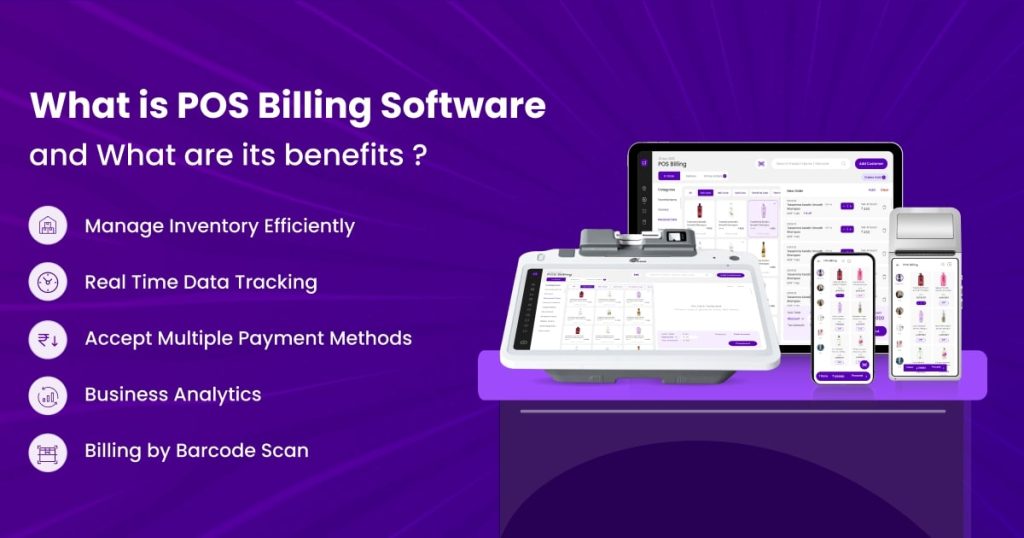
Using a POS system provides many advantages for businesses.
- Faster Billing
Best POS systems reduce customer waiting time and improve checkout speed.
- Accurate Inventory Management
Stock levels update automatically after every sale.
- Sales Reports & Insights
Business owners can analyze daily, weekly, and monthly sales reports.
- Reduced Human Errors
Automatic billing eliminates manual calculation mistakes.
- Better Customer Experience
Fast billing and multiple payment options improve customer satisfaction.
What Are the Hardware and Software Components of a POS?
A POS system consists of both hardware and software components.
POS Hardware
Common hardware includes:
- POS terminal
- Barcode scanner
- Receipt printer
- Cash drawer
- Card payment machine
- POS Software
POS software helps manage:
- Billing system
- Inventory tracking
- Sales reports
- Customer data
- Payment integration
Together, hardware and software create a complete retail management solution.
How to Choose the Right POS System for Your Business?
Choosing the right Point of sale Software is important for business success.
Here are some key factors to consider:
- Ease of Use
The system should be simple and easy for staff to operate.
- Inventory Management
Ensure the POS Software can track stock automatically.
- Payment Integration
Support for UPI, cards, and digital wallets is essential.
- Reporting & Analytics
A good POS should provide detailed business reports.
- Customer Support
Reliable support ensures smooth business operations.
How Does Shopaver POS Help Your Business?
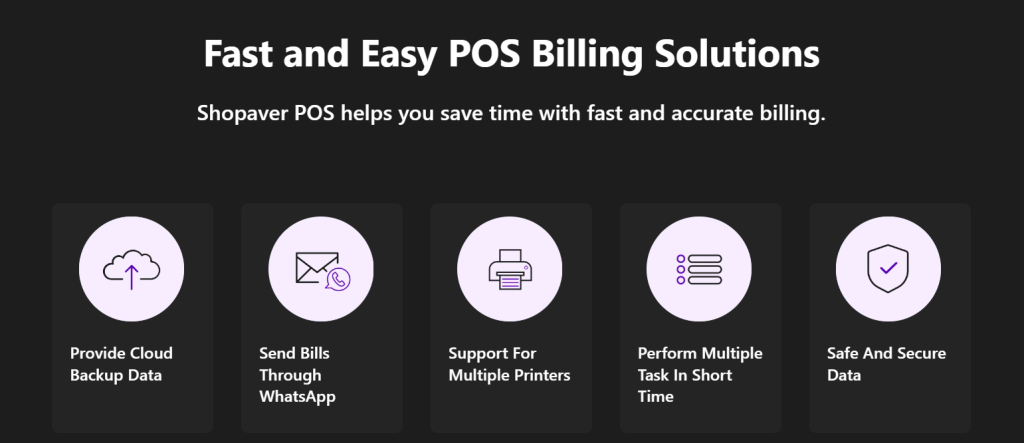
Shopaver POS is an all-in-one solution designed for small and medium businesses.
It helps businesses manage:
- Fast billing
- Smart inventory management
- GST compliant billing
- Sales reports and analytics
- Multi-payment support
With Shopaver POS, shop owners can run their business efficiently without worrying about manual errors or stock problems.
Whether you run a kirana store, boutique, restaurant, salon, or medical shop, Shopaver POS helps simplify your daily operations.
FAQs
Q1. What is the full form of POS?
Ans. POS stands for Point of Sale, which is the place where customers complete a purchase transaction.
Q2. Is a POS system useful for small businesses?
Yes, POS systems help small businesses manage billing, inventory, and sales reports easily.
Q3. Can POS systems accept digital payments?
Ans. Yes, POS systems help small businesses manage billing, inventory, and sales reports easily.
Q4. Does a POS system track inventory automatically?
Ans. Does a POS system track inventory automatically?
Q5. Is cloud-based POS better?
Cloud POS allows business owners to access sales data from an