A POS system with inventory management for small business is no longer optional—it is a necessity in today’s digital economy. It simplifies operations, reduces errors, improves customer experience, and helps businesses grow efficiently.
Shopaver POS offers a complete solution tailored for Indian small businesses, combining billing, inventory management, digital Khata, and online selling into one easy-to-use platform.
If you want to streamline your business operations, increase efficiency, and boost profitability, investing in a POS system like Shopaver is the smartest decision you can make.
In today’s competitive and fast-evolving retail landscape, small businesses in India need smarter tools to survive and grow. From handling daily sales and managing inventory to tracking customer data and generating reports, doing everything manually is no longer practical. This is where a POS system with inventory management for small business becomes a powerful and essential solution.
Whether you run a kirana store, boutique, electronics shop, pharmacy, or a small supermarket, having a reliable POS system can transform your business operations. In this comprehensive guide, we’ll explore how POS systems work, why they are crucial, key features to look for, and why Shopaver POS is the ideal choice for small businesses in India.
What is a POS System with Inventory Management?
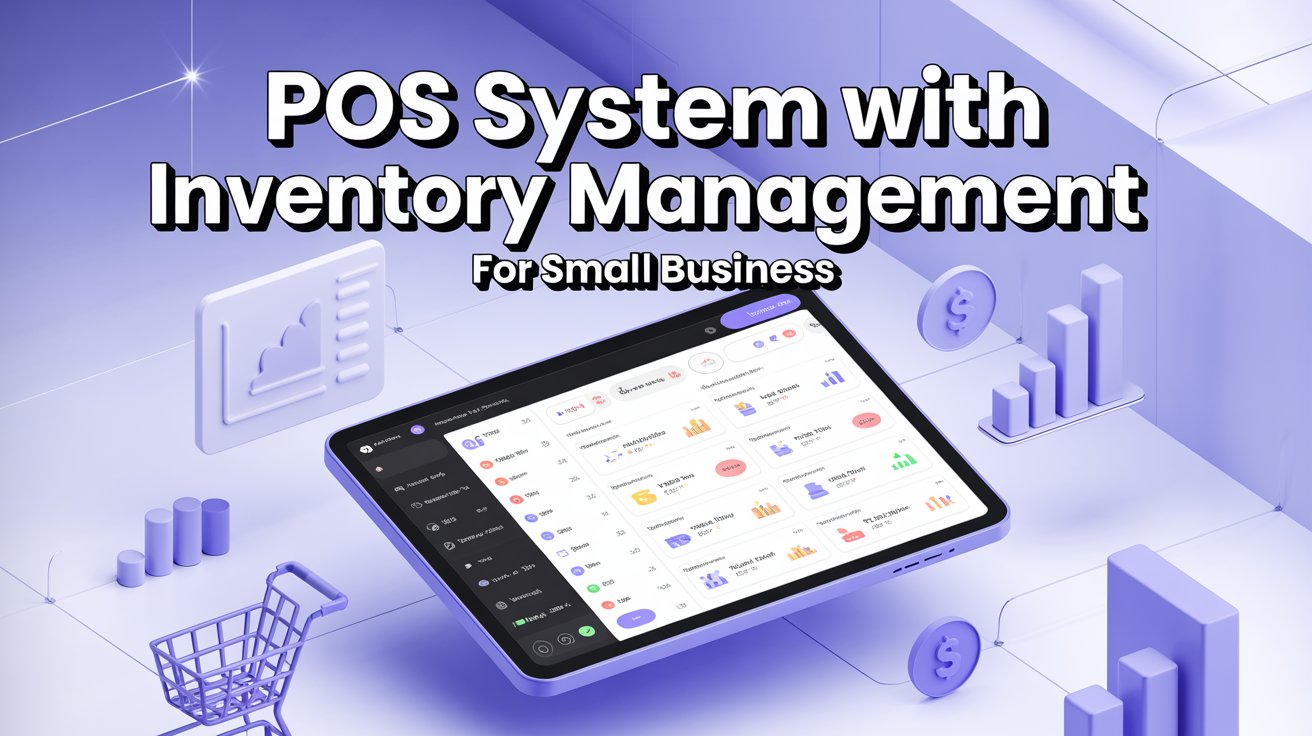
A Point of Sale (POS) system with inventory management is an integrated software that allows businesses to handle billing and stock management from a single platform. It acts as the central hub for your entire business, combining sales processing with real-time inventory tracking.
With a POS system, you can:
- Generate invoices instantly
- Track stock levels automatically
- Monitor sales performance
- Manage product details and pricing
- Access reports and analytics
Unlike traditional billing systems, modern POS software ensures that every sale automatically updates your inventory, eliminating the need for manual tracking.
Why Small Businesses Need POS + Inventory Systems
Many small businesses still rely on manual registers, Excel sheets, or basic billing software. While these methods may seem cost-effective initially, they often lead to inefficiencies and errors as the business grows.
Here are the key challenges of not using a POS system:
- Manual billing errors
- Difficulty in tracking stock
- No real-time inventory visibility
- Time-consuming operations
- Lack of business insights
- Poor customer experience
A POS system with inventory management solves these problems by automating processes and providing accurate, real-time data.
Key Features of a POS System with Inventory Management
When choosing the best POS system for your small business, it’s important to look for features that support both current operations and future growth.
1. Fast and Efficient Billing
A modern POS system should offer:
- Quick invoice generation
- Barcode scanning
- GST-compliant billing
- Easy returns and exchanges
Fast billing reduces customer wait times and improves satisfaction.
2. Real-Time Inventory Tracking
Inventory management is one of the most important features. A good POS system should:
- Automatically update stock after each sale
- Provide low stock alerts
- Track multiple product categories
- Manage stock across locations
This ensures that you always know what’s in stock and what needs replenishment.
3. Product and Supplier Management
Efficient product management includes:
- SKU creation
- Category management
- Supplier tracking
- Batch and expiry management (for certain businesses)
This helps in organizing products and maintaining smooth supply chains.
4. Sales Reports and Analytics
Data-driven decisions are key to growth. POS systems provide:
- Daily, weekly, and monthly sales reports
- Profit and loss insights
- Best-selling product analysis
- Customer buying behavior
These insights help you plan better and improve profitability.
5. Customer Management (CRM)
Modern POS systems also act as customer relationship tools:
- Store customer details
- Track purchase history
- Offer discounts and loyalty programs
This helps in building long-term customer relationships.
6. Multi-Payment Support
Customers today expect flexibility in payments. A POS system should support:
- UPI payments
- Debit and credit cards
- Digital wallets
- Cash
This ensures a seamless checkout experience.
7. Cloud-Based Access
Cloud-based POS systems allow you to:
- Access your business data from anywhere
- Use multiple devices (mobile, tablet, desktop)
- Keep data secure and backed up
This flexibility is especially important for small business owners who are always on the move.
How POS + Inventory System Works
Understanding how the system works can help you see its value:
- A product is scanned or selected during billing
- The POS system records the sale instantly
- Inventory is automatically updated
- Reports are generated in real time
This seamless integration between sales and inventory reduces manual effort and ensures accuracy.
Why Shopaver is the Best POS System for Small Businesses
When it comes to choosing the right POS system, Shopaver POS stands out as a complete and user-friendly solution tailored for Indian small businesses.
1. All-in-One Business Management Platform
Shopaver is more than just a POS system. It offers:
- POS billing
- Inventory management
- Digital Khata (ledger)
- Online store creation
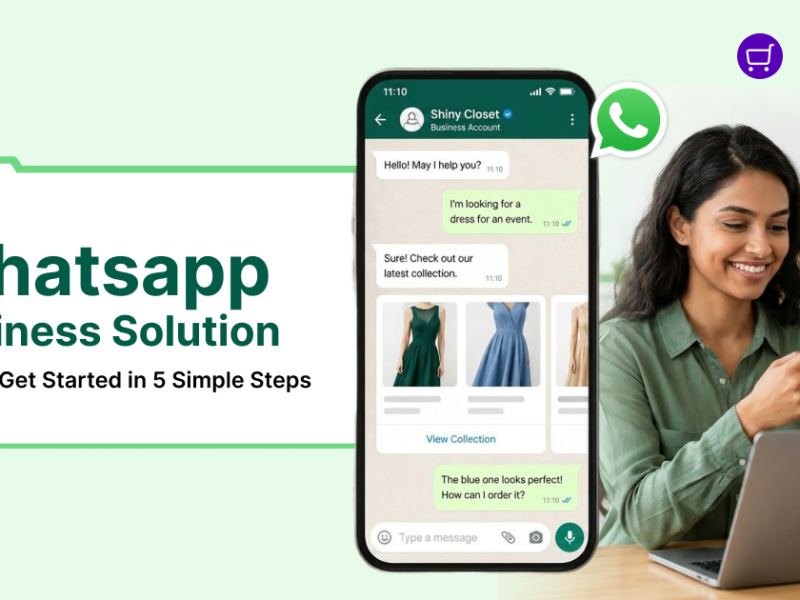
- WhatsApp commerce
This eliminates the need for multiple tools and simplifies operations.
2. Smart Inventory Management
Shopaver helps you stay in control of your stock with:
- Real-time inventory tracking
- Automatic stock updates
- Low stock alerts
- Product categorization
This ensures efficient stock management and reduces losses.
3. Fast and Accurate Billing
With Shopaver, billing becomes quick and error-free:
- Barcode-based billing
- Instant invoice generation
- GST-compliant invoices
- Easy returns and exchanges
This improves checkout speed and customer satisfaction.
4. Mobile POS for Flexibility
Shopaver’s mobile POS allows you to:
- Manage your business from your smartphone
- Generate bills anywhere
- Track sales and inventory in real time
This is perfect for small business owners who need flexibility.
5. Digital Khata (Bahi Khata)
Shopaver replaces traditional credit notebooks with a digital solution:
- Track customer dues
- Manage credit transactions
- Send payment reminders
This is especially useful for businesses that offer credit to regular customers.
6. Online + Offline Integration
Shopaver helps small businesses expand beyond physical stores:
- Create an online store
- Sell products via WhatsApp
- Manage all orders in one dashboard
This allows you to reach more customers and increase sales.
Benefits of Using POS System with Inventory Management
1. Increased Efficiency
Automation reduces manual work and saves time, allowing you to focus on growing your business.
2. Better Inventory Control
Real-time tracking ensures you always know your stock levels, reducing losses due to overstocking or stockouts.
3. Improved Customer Experience
Fast billing and smooth payment options enhance customer satisfaction and encourage repeat business.
4. Data-Driven Decision Making
Access to detailed reports helps you make informed business decisions.
5. Higher Profitability
By reducing errors and improving efficiency, POS systems help increase overall profitability.
Industries That Benefit from POS + Inventory Systems
POS systems are useful across various industries, including:
- Retail stores
- Grocery shops (kirana stores)
- Clothing boutiques
- Electronics stores
- Pharmacies
- Restaurants and cafés
No matter the industry, a POS system helps streamline operations and improve efficiency.
Common Mistakes to Avoid When Choosing POS Software
While selecting a POS system, avoid these common mistakes:
- Choosing software without inventory management
- Ignoring scalability for future growth
- Not checking mobile compatibility
- Using multiple disconnected systems
- Overlooking cloud features
Choosing an all-in-one solution like Shopaver helps avoid these issues.
Future of POS Systems for Small Businesses in India
The future of POS systems is driven by technology and innovation. Trends include:
- Cloud-based systems
- AI-powered analytics
- Omnichannel selling (online + offline integration)
- Contactless and digital payments
- Automation and smart reporting
Small businesses that adopt modern POS systems today will have a strong competitive advantage in the future.
FAQs
1. What is a POS system with inventory management?
It is a software that combines billing and stock tracking in one platform, helping businesses manage sales and inventory efficiently.
2. Is POS software suitable for small businesses?
Yes, POS systems are highly beneficial for small businesses as they improve efficiency and reduce errors.
3. Can Shopaver manage inventory automatically?
Yes, Shopaver updates inventory in real time after every transaction.
4. Does Shopaver support mobile billing?
Yes, Shopaver offers mobile POS, allowing you to manage your business from anywhere.